WhatsApp Desktop
WhatsApp for PC is the most popular web app that helps you end-to-end encryption chat and audio/video calls.

Safe & Secure
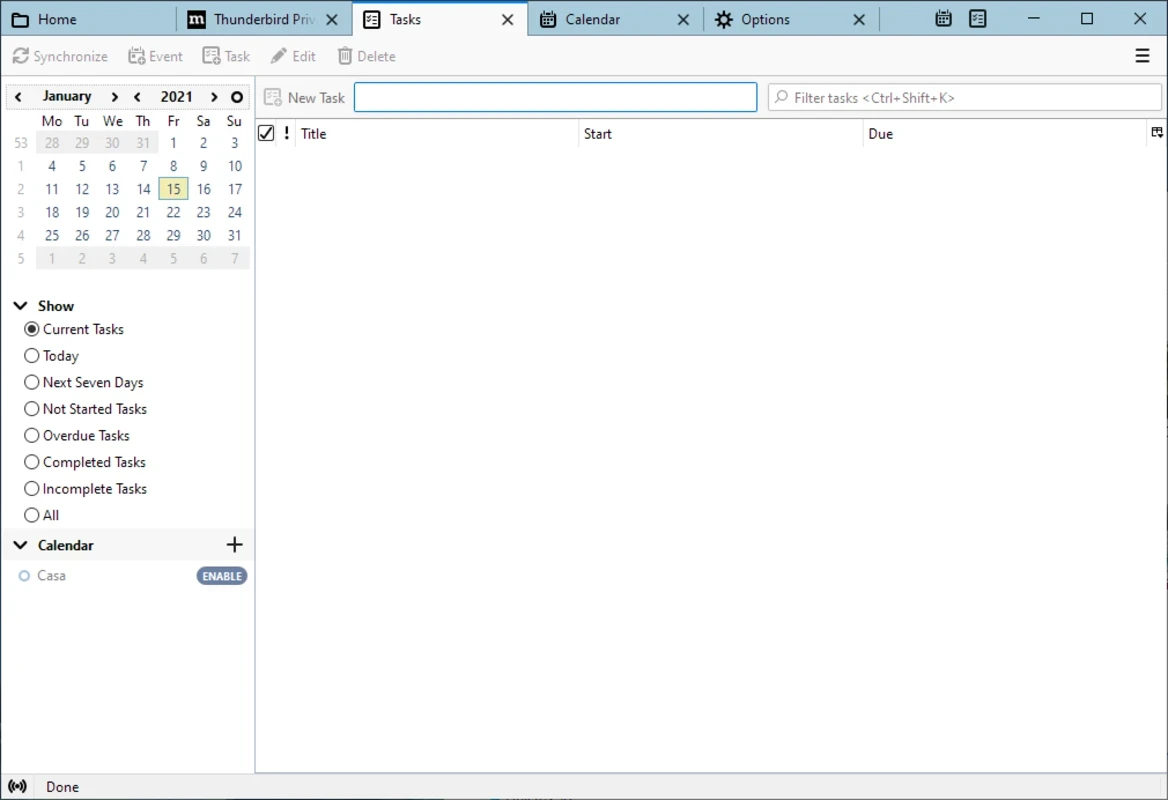
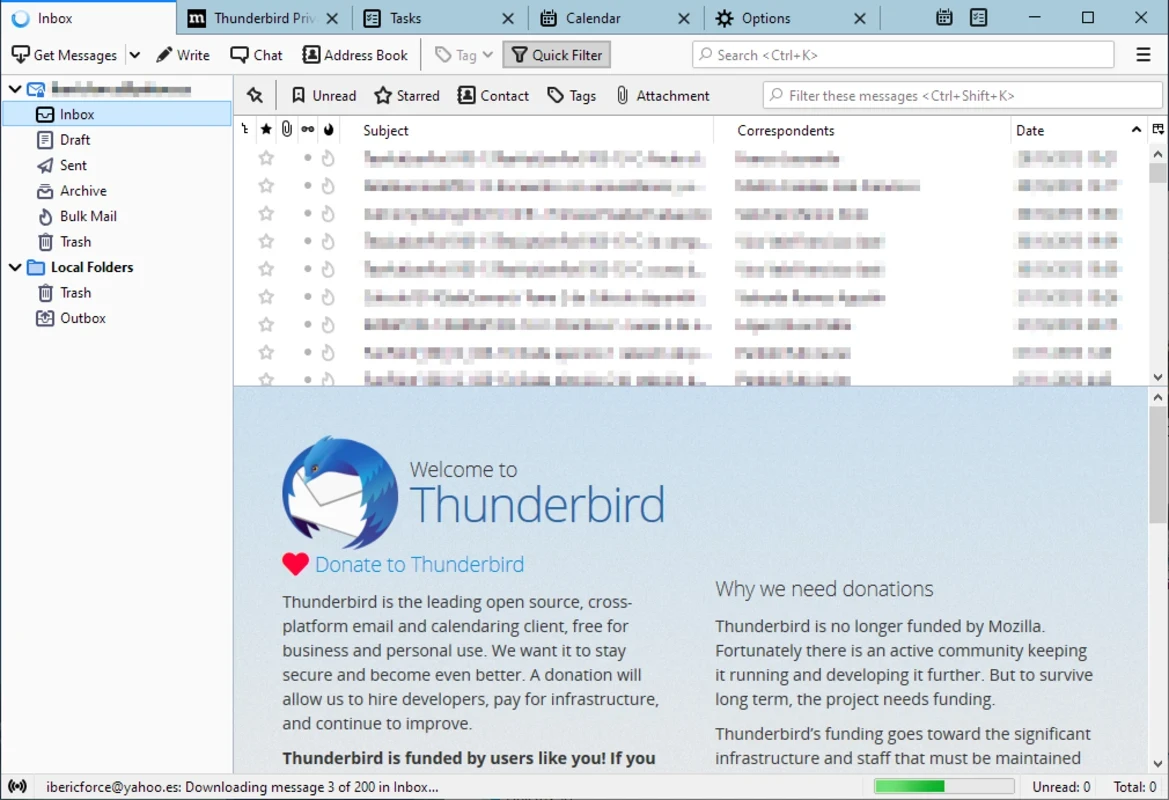
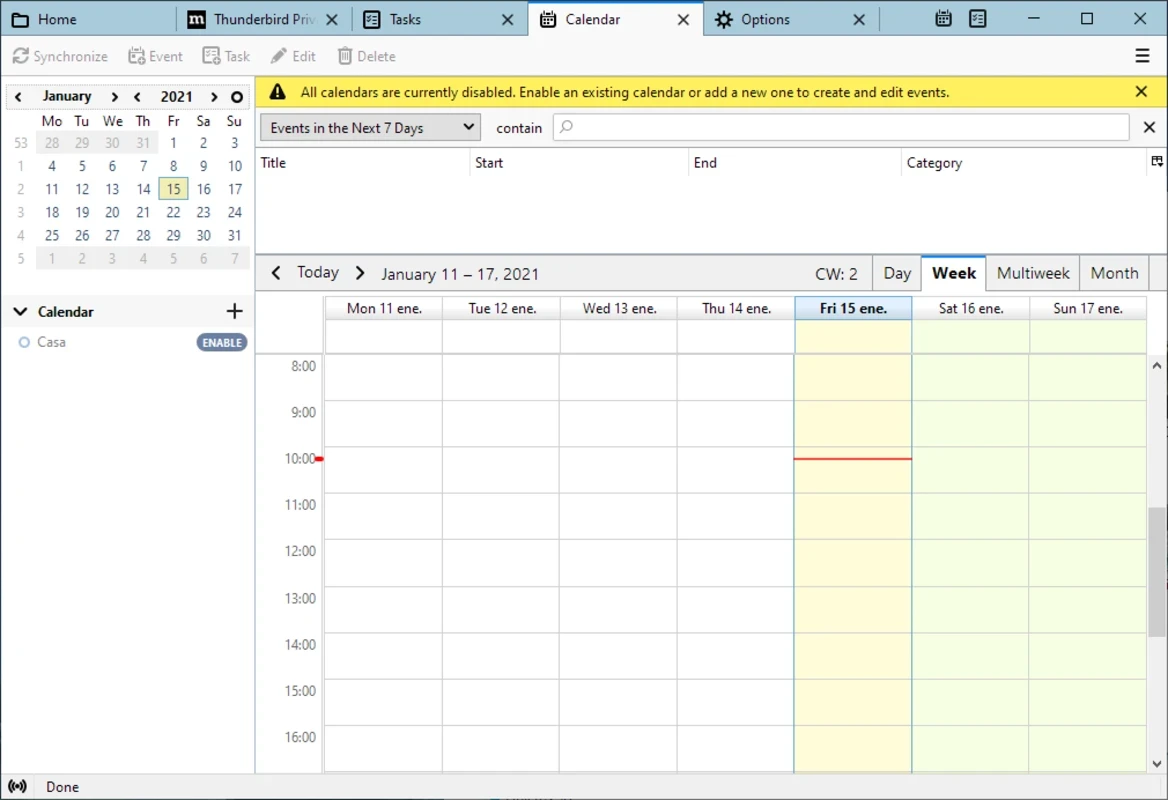
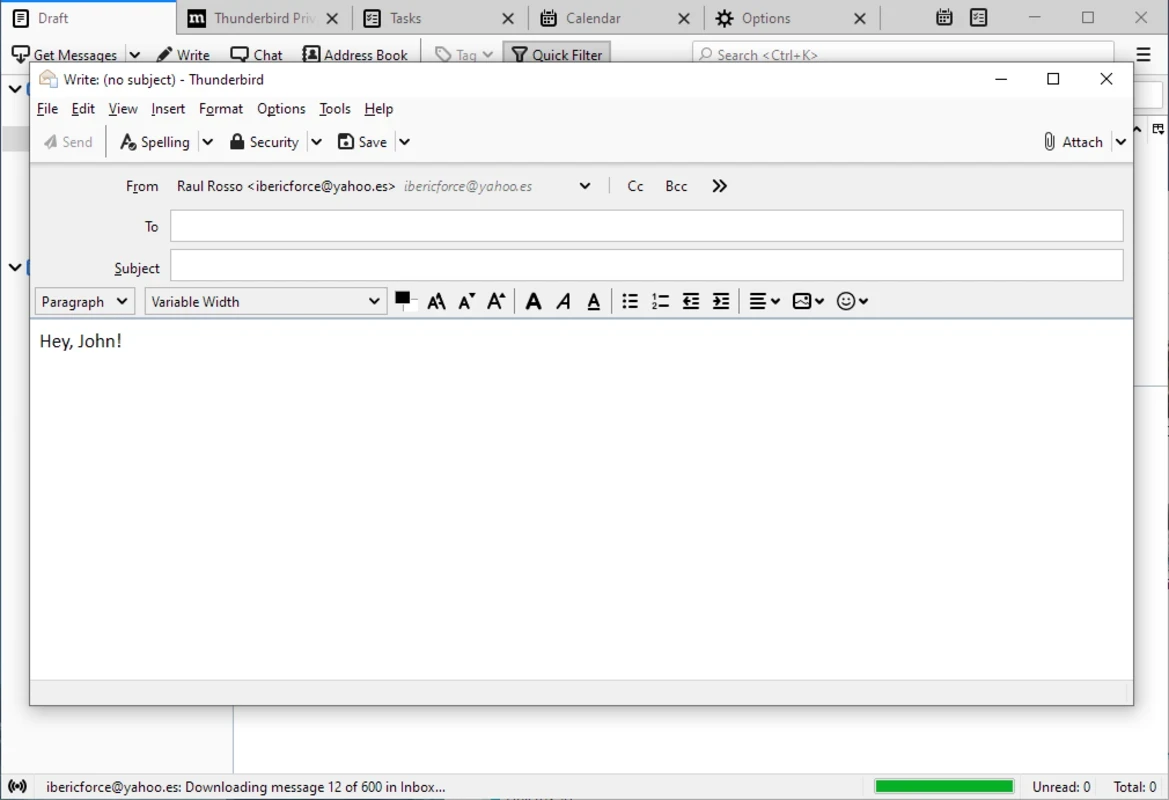
Thunderbird is comprehensive and highly configurable, managing your email, calendars, contacts, and other tasks right from one place. It is a free and open-source utility reliably useful for individuals and businesses, enhancing productivity, security, and customization.
The app, with a robust email management solution, is easily applicable for multiple platforms, allowing users to fully control their communication, customization, privacy, and combining power. It helps to manage multiple accounts simultaneously while enabling control over inbox workflow.
Thunderbird is an independent and community-driven project, operated by MZLA Technologies Corporation, a subsidiary of the Mozilla Foundation. It was designed as an email client that incorporates calendar, contact book, RSS feed reader, chat client, and news client. It is compatible with Windows, macOS, FreeBSD, Android, Linux, and other digital platforms.
The app, with a clear practical appeal, helps to manage an overwhelmed browser, scattered accounts, or inbox tools to enhance usability. It is the best solution for both individuals and professionals, allowing users to use it in different scenarios such as organizing emails, managing messages, and improving communication efficiency.
The app with a clean layout offers straightforward navigation throughout the functionalities, including tabbed email viewing, simple setup options, and customizable interface settings. Everything is simple and accessible for users of different experience levels, but understanding and exploring all types of configuration options requires a learning curve, specifically for new users. You have to customize the interface and modify advanced settings to tailor email management better.
It is one of the significant features, allowing users to manage multiple accounts simultaneously and make managing emails easy within a unified inbox. It also offers a powerful search option to make accessing your desired emails quick, avoiding scrolling through a plethora of emails. You can access your required email using different criteria, including sender name, recipient, keywords, date range, and so on.
It can handle entire email tasks with consistent and stable performance, offering lightweight operation, reliable syncing, and efficient message processing. It offers standard email workflows to ensure day-to-day communication, even managing multiple accounts. However, compared to other modern utilities, the app has limited advanced collaboration tools and cloud-native features.
The app is compatible with multiple protocols, including IMAP, POP3, and SMTP, allowing users to manage multiple accounts at once. So, you are capable of opening multiple accounts simultaneously, regardless of which other email provider. So, it makes it possible to add personal, professional, and corporate accounts as well as manage them in a single place.
The support for strong OpenPGP email encryption through OpenKeychain and S/MIME offers foolproof protection for your communication, avoiding all types of unauthorized access. It also ensures that no personal data of users can be collected and used for selling ads in the inbox, and your personal data will not be shared with third parties.
The availability of a large ecosystem of add-ons and extensions ensures the adaptation of the app for multiple purposes and expands productivity. So, you are capable of adding visual improvements, advanced productivity features, and integration with external services. It offers uncompromised stability within awesome capabilities.
Beyond email management, the app offers built-in calendar integration and task management features, allowing users to stay on top of events, deadlines, and reminders alongside emails. So, no need to go to additional services; instead, use the tool to schedule personal and professional activities.
Similar to email clients like Outlook, the app is also embedded with an organized inbox, allowing users to manage received emails across multiple accounts. The unified inbox enables users to manage entire messaging functionality in a single place, without switching to other inboxes one-by-one. You can personalize rules for accessing your messages, offering various innovative organizational tools, including customizable labels, automatic filters, smart filters, and so on.
Pros
Cons

WhatsApp for PC is the most popular web app that helps you end-to-end encryption chat and audio/video calls.

Microsoft Teams collaboration and communication tool for personal and professional use

Download Facebook Android APK on PC Windows (7/10/11) to upload and share your happy memories, photos, and videos.

Zoom App for PC get all of your co-members and students in a video conference

Discord Canary, test upcoming features before they release

Telegram Desktop is Communication app for PC. Working under the MTProto protocol.